Delete accounts
Important: Access Project Manager by first selecting the waffle menu's
New experience preview option. For Classic Manager instructions, refer to the
legacy documentation site.
You might want to delete unused or expired accounts. Deleted accounts go into the Recycle Bin where the owner or an Environment admin can retrieve or permanently delete them. You must be the account creator, have read permissions for the Project, or be an Environment admin to delete an account.
To delete an account:
- Locate the Account using Asset Search or from the Project Accounts tab. If you used Asset Search:
-
Hover over the account name to display the context menu.
-
Select Navigate to Asset List.
-
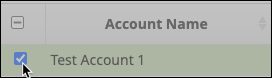
- From the table of accounts, select one or more accounts to delete:
- From the Project toolbar, click Delete
 .
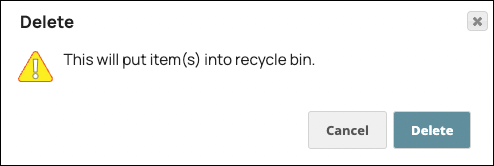
. - In the confirmation dialog, click Delete: